
Deploy Docker Stacks with One Click
ReadyStackGo makes container deployments easy. Use the powerful RSGo Manifest format or import existing Docker Compose files.
curl -fsSL https://readystackgo.pages.dev/install.sh | sudo bash Version 1.0 is Almost Here
ReadyStackGo is in the final phase before its first official release. The core functionality is stable and actively used — v1.0 is just around the corner.
"Beautifully simple, simply beautiful."
Built for Real Business Applications
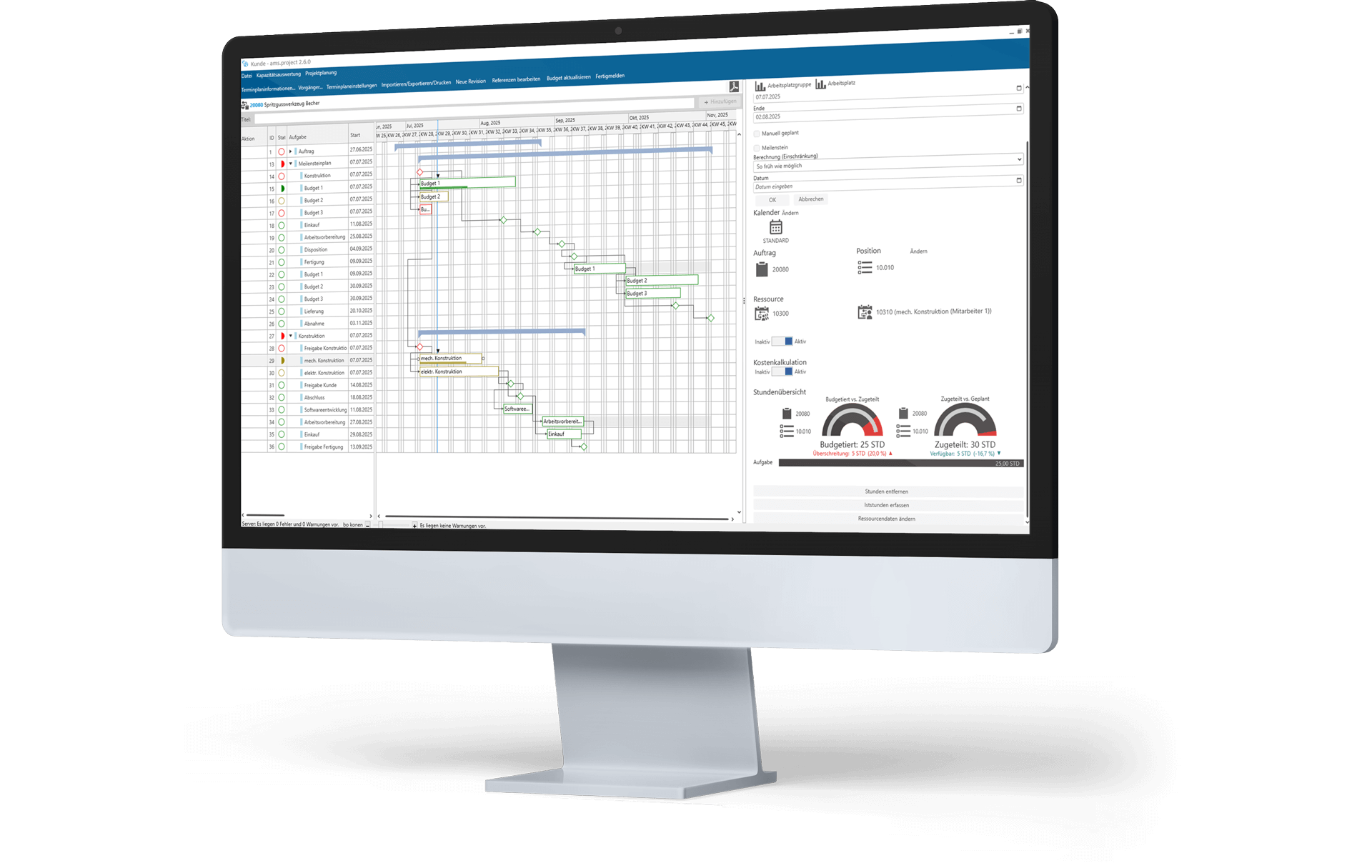
ReadyStackGo was developed with the goal of making even complex and demanding business stacks effortless to install and maintain. A prime example: ams.project by ams.Solution AG – a professional multi-project management solution.
Why ReadyStackGo?
A modern platform for container management, built for simplicity and control.
Health Monitoring
Real-time monitoring of all containers and services with automatic status updates.
Maintenance Mode
Controlled maintenance windows with automatic container lifecycle management.
TLS & Certificates
Flexible HTTPS management with custom certificates, Let's Encrypt and reverse proxy support.
Self-Update
Update with one click — RSGO automatically swaps its own container.
RSGo Manifest Format
Powerful stack format with type validation, rich metadata and Docker Compose import.
Multi-Stack Products
Define complex products with multiple stacks and shared variables in one manifest.
Smart Editors
Specialized UI editors for variable types like connection strings, ports and passwords.
Product Deployment
Deploy entire products with all stacks in one operation — with shared variables and coordinated lifecycle.
Rich Deployment Progress
Real-time insight into every deployment step — per stack, service and init container.
Product Container Control
Stop and restart product containers on demand — without removing the deployment.
Custom Distributions
Run RSGO with your own corporate design — companies can build a fully branded deployment platform on top of RSGO.
SSH Tunnel Environments
Connect remote Docker hosts via SSH tunnel — no exposed port, no agent, just SSH access needed.
Self-Hosted
Full control over your data. Runs on your own infrastructure without external dependencies.
One-Click Deployment
Deploy complex container stacks with a single click using pre-built templates.
Multi-Environment
Manage Development, Staging and Production environments from a single interface.
Web UI
Intuitive web interface for stack management, monitoring and configuration.
Git Integration
Load stack definitions directly from Git repositories. Automatic updates available.
Real-time Logs
Follow container logs in real-time for quick debugging and monitoring.
Ready in 60 Seconds
Our bootstrap script handles everything: Docker installation, container setup and configuration. You just need a Linux server with root access.
curl -fsSL https://readystackgo.pages.dev/install.sh | sudo bash curl -fsSL https://readystackgo.pages.dev/install.sh | sudo bash -s 3000 [OK] ReadyStackGo is now running!
URL: http://192.168.1.100:8080